How to Fix GE Washing Machine H2O Long Fill Timeout
Quick Diagnosis
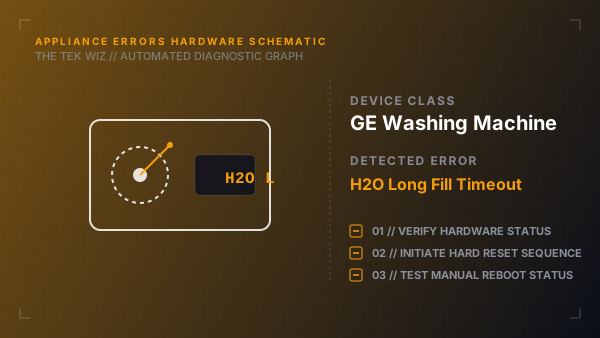
An H2O or H20 error code on a GE washing machine indicates that the washer is not receiving enough water or has timed out trying to fill to the required level. This is commonly caused by bent water supply hoses or clogged water valve filters.
Step-by-Step Resolution
- 1
Verify that both the hot and cold physical water faucet valves behind the washer are turned fully open (counterclockwise).
- 2
Turn off the washer, unplug the power cord, and turn off both water valves.
- 3
Unscrew the hot and cold water fill hoses from the brass connections on the back of the washer.
- 4
Place the open ends of the hoses into a bucket and turn the faucets on briefly to verify that water flow pressure is strong.
- 5
Inspect the small mesh filter screens situated inside the washer's water inlet valve ports.
- 6
Use tweezers or needle-nose pliers to remove the mesh screens, clean any rust sediment off under running water, and push them back in.
- 7
Reattach the hoses to the inlet valves, ensuring no kinks are present, open the faucets, plug in the power, and start a cycle.
Alternative Causes & Edge Cases
- On GE Profile front load washers, an H2O code can trigger if the physical water level pressure switch tube gets clogged with lint, sending a false empty signal to the controller.
- On GE top load washers, this error can occur if the lid lock mechanism does not fully engage, stopping water fill cycles mid-way.