How to Fix Samsung Refrigerator 22E Evaporator Fan Error
Quick Diagnosis
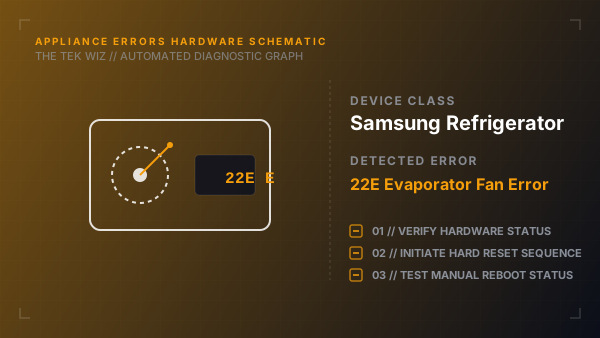
A 22E or 22C error code on a Samsung refrigerator indicates an evaporator fan motor lockup. This is typically caused by ice buildup inside the back panel venting slots physically blocking the fan blade rotation.
Step-by-Step Resolution
- 1
Unplug the refrigerator's power cord from the wall outlet.
- 2
Open the freezer door and remove all food items, drawers, and shelving units.
- 3
Locate the plastic evaporator cover panel on the inside back wall of the freezer compartment.
- 4
Remove the retaining screws holding the panel in place.
- 5
If the panel is frozen shut, do not force it; use a hair dryer on a low, warm setting to melt the ice around the panel seams until it pulls off easily.
- 6
Once the panel is removed, locate the circular evaporator fan blades.
- 7
Clean out any accumulated ice or frost buildup around the fan blades and shroud area.
- 8
Manually spin the fan blades to ensure they turn freely and are not bent.
- 9
Verify that the defrost drain hole below the coils is not blocked; pour warm water down the drain to clear any ice plugs.
- 10
Reattach the plastic cover panel, secure the screws, replace the shelves, and restore power.
Alternative Causes & Edge Cases
- On Samsung French Door refrigerators, a 22E error can be triggered by a torn or misaligned door gasket magnet, allowing warm humid air to seep in and accelerate ice formation on the fan blades.
- On older Samsung side-by-side models, this code can occur if the physical fan wiring harness plug inside the freezer rear wall becomes corroded from condensation.