How to Fix Bose QC35 Headphones Bluetooth Pairing Failed
Quick Diagnosis
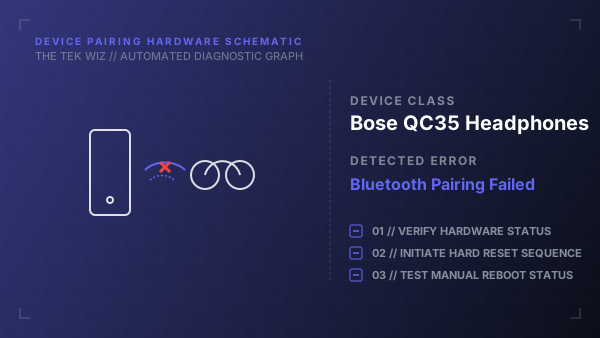
A Bluetooth pairing failure occurs when the headphones' internal hardware pairing cache is full (up to 8 devices) or has a corrupted handshake register. Clearing this cache forces the Bluetooth radio to broadcast a clean pairing beacon.
Step-by-Step Resolution
- 1
Slide the physical Power/Bluetooth switch on the right ear cup all the way to the Bluetooth icon (right-most position).
- 2
Hold the switch in the Bluetooth position for exactly 10 seconds until you hear a voice prompt 'Bluetooth device list cleared' or see the Bluetooth LED blink blue.
- 3
Release the switch, allowing it to spring back to the middle 'On' position.
- 4
Turn off Bluetooth on your host device (smartphone/PC), wait 5 seconds, then turn it back on.
- 5
Select the Bose QuietComfort 35 from the newly broadcasted device scan list to complete the connection.
Alternative Causes & Edge Cases
- Applies to Bose QuietComfort 45 and Bose Noise Cancelling 700 models.
- Inserting a micro-USB charging cable into the headphones turns off the Bluetooth receiver by default.