How to Fix Fitbit Charge Series Tracker Pairing Failure
Quick Diagnosis
A Fitbit Charge tracker failing to pair or sync with a smartphone is often caused by an internal USB charging connector reset block or battery calibration fault. A hardware-triggered power cycle via the charger button forces the tracker's microchip to reload its pairing table.
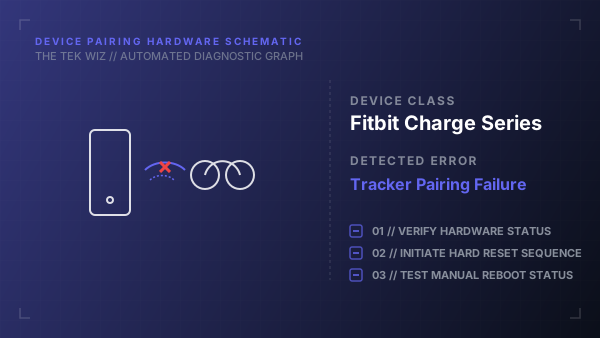
Step-by-Step Resolution
- 1
Connect the Fitbit Charge tracker to its physical USB charging cable, ensuring the gold-plated pins are aligned and clipped firmly to the back of the tracker.
- 2
Plug the other end of the USB cable directly into a verified USB power source (such as a laptop port or wall adapter).
- 3
Locate the small, physical round button on the flat end of the USB charging connector (on the USB plug itself, near where it plugs into power).
- 4
Press this charging cable button three times within 5 seconds, pausing for about 1 second between each press.
- 5
Observe the tracker screen: after the third press, the Fitbit logo should appear, indicating a successful hardware reboot.
- 6
Disconnect the charger and use a dry cotton swab to clean the brass contacts on the back of the tracker to clear away sweat and oils.
- 7
Hold the tracker close to your smartphone to retry pairing.
Alternative Causes & Edge Cases
- Applies to Fitbit Charge 3, Charge 4, and Charge 5 fitness trackers.
- If the screen remains black even when plugged in, the lithium-polymer cell might be completely drained, requiring at least 15 minutes of uninterrupted charge before the reset button sequence will register.