How to Fix Nintendo Joy-Con Connection Desync / LED Flashing
Quick Diagnosis
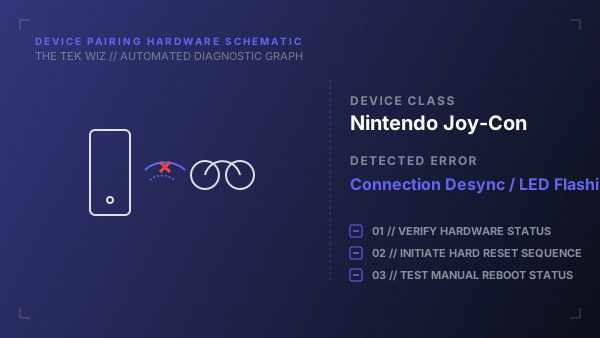
A Nintendo Joy-Con controller that frequently disconnects or displays flashing LEDs while detached is experiencing a physical antenna blockage or pairing register lock. Clean physical rails and manual button reset cycles clear the local Bluetooth chip memory to restore stable pairing.
Step-by-Step Resolution
- 1
Locate the small, circular black Sync button on the inner rail of the disconnected Joy-Con (between the SL and SR buttons).
- 2
Press and hold the Sync button firmly for 5 seconds to reset the controller's internal Bluetooth configuration.
- 3
Release the button and verify that the flashing indicator lights turn off.
- 4
Inspect the metal connection rail pins on the side of the Nintendo Switch console and the Joy-Con controller for dust, lint, or oxidation.
- 5
Use a dry, soft-bristled toothbrush to gently sweep the metal terminal contacts on both the controller rail and the console rail.
- 6
Slide the Joy-Con firmly all the way down onto the Switch console rail until you hear a physical 'click' to establish direct copper connection contacts.
- 7
Verify that the console screen displays the controller pairing notification icon.
- 8
Slide the controller off the console rail to test if wireless Bluetooth pairing remains stable.
Alternative Causes & Edge Cases
- Applies to Nintendo Joy-Con (L) and Joy-Con (R) models across all Switch console revisions (V1, V2, and OLED).
- Internal Bluetooth signal attenuation can be caused by physical proximity to large metal structures, audio receivers, or active USB 3.0 hard drives near the console dock.