How to Fix Garmin Fenix Watch Bluetooth Sync Failure
Quick Diagnosis
A Garmin Fenix watch failing to pair or synchronize with a smartphone is usually experiencing a cache deadlock in the watch's antenna driver. A forced hardware restart bleeds the antenna chip of static voltage, allowing it to re-establish the Bluetooth beacon.
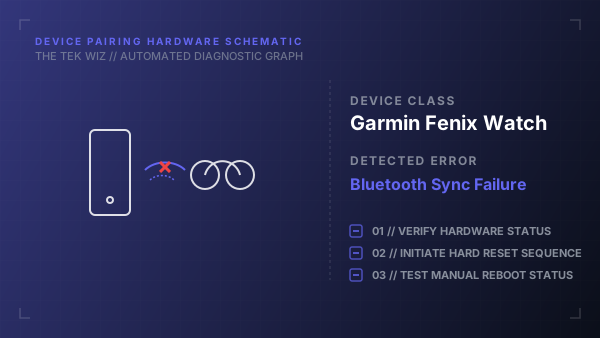
Step-by-Step Resolution
- 1
Locate the physical Light/Power button on the upper left side of the watch casing.
- 2
Press and hold the Light/Power button down firmly for exactly 30 seconds until the watch screen goes completely blank and shuts down.
- 3
Release the button and wait for 15 seconds to allow the internal memory registers to clear.
- 4
Press the Light/Power button again for 2 seconds to turn the watch back on.
- 5
Use a clean eraser to gently rub the copper charging terminal pins on the back of the watch to remove sweat and salt buildup.
- 6
Plug the watch charging clip into a USB port for 10 seconds to wake the battery and reset physical bus configurations.
- 7
On the watch, hold the Up/Menu button, navigate to Connectivity > Phone > Pair Phone using the physical side buttons to broadcast a fresh pairing beacon.
Alternative Causes & Edge Cases
- Applies to Garmin Fenix 5, 6, 7, and Epix series GPS smartwatches.
- Extreme cold temperatures below 32°F can temporarily degrade battery voltage, dropping the Bluetooth transmitter's transmission power below pairing threshold limits.