How to Fix Apple Pencil (2nd Gen) Pairing Failure / Unresponsive
Quick Diagnosis
An Apple Pencil that refuses to connect or display its charging status when attached to the iPad is experiencing induction contact failure or a Bluetooth pairing chip lock. Dust or skin oils on the magnetic strip block the induction current needed for the initial sync handshake.
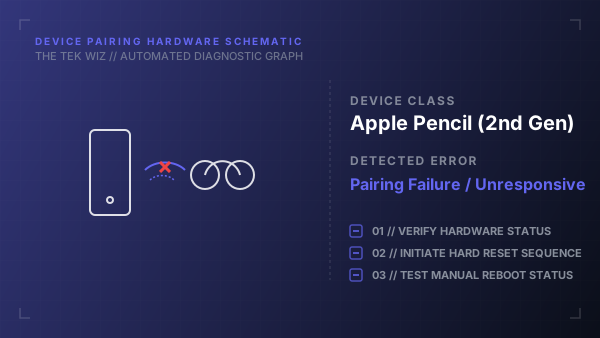
Step-by-Step Resolution
- 1
Detach the Apple Pencil from the side magnetic connector of the iPad.
- 2
Use a clean, slightly damp microfiber cloth to thoroughly wipe the flat magnetic side of the Apple Pencil and the right side connector edge of the iPad.
- 3
Dry both surfaces completely with a dry portion of the cloth to ensure no moisture remains.
- 4
Perform a hard reset on the iPad: Press and quickly release the Volume Up button, press and quickly release the Volume Down button, then press and hold the Power button until the Apple logo appears.
- 5
Once the iPad reboot is complete, align the flat edge of the Apple Pencil centered on the magnetic connector on the right side of the iPad.
- 6
Verify that the iPad screen displays the Apple Pencil overlay showing the connection status.
- 7
Gently twist the pencil tip clockwise to ensure it is screwed on tightly, as a loose tip will block physical sensor responses.
Alternative Causes & Edge Cases
- Applies to Apple Pencil (2nd Gen), Apple Pencil Pro, and Apple Pencil (USB-C) models.
- If the Apple Pencil has been left discharged for several months, its lithium-ion cell may have entered a deep discharge state, requiring it to sit on the magnetic dock for at least 30 minutes to revive the battery cell.