How to Fix Apple AirPods Pro Flashing Amber Light
Quick Diagnosis
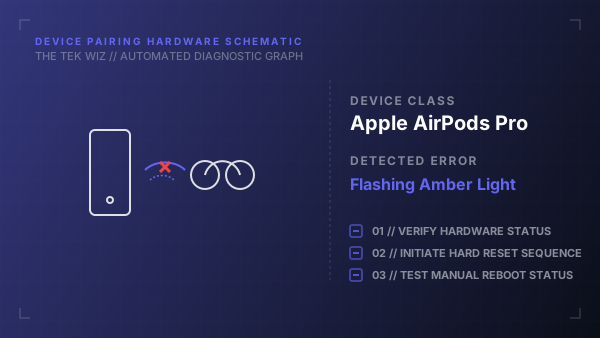
A flashing amber light on the AirPods Pro charging case indicates a hardware synchronization error between the two earbuds or a failure to retrieve the security handshake keys. Performing a manual button reset clears the local firmware memory, allowing the earbuds to re-sync and open a new Bluetooth channel.
Step-by-Step Resolution
- 1
Place both AirPods Pro earbuds firmly into their charging case slots and close the lid for 30 seconds to initiate a low-power standby mode.
- 2
Open the charging case lid, exposing the status light.
- 3
Press and hold the physical Setup button on the back of the charging case.
- 4
Continue holding the button for approximately 15 seconds until the status LED flashes amber, then turns white.
- 5
Release the button, close the case lid, then reopen it next to your device to trigger the physical pairing sequence.
Alternative Causes & Edge Cases
- Applies to AirPods Pro (2nd Generation) and standard AirPods (3rd Generation) models.
- Dirty copper charging contacts at the bottom of the case can block the electrical connection, preventing the reset cycle from initiating.