How to Fix Bose QuietComfort Earbuds II One Earbud Fails to Pair
Quick Diagnosis
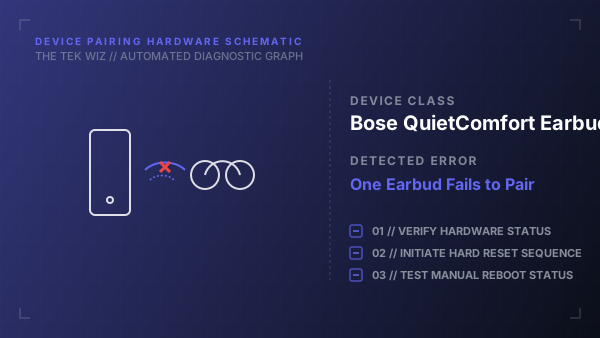
A pairing mismatch occurs when one earbud fails to sync with the case's controller board, preventing the dual-channel Bluetooth handshake. Performing a physical charging case reset aligns the firmware states of both earbuds and clears the paired device list.
Step-by-Step Resolution
- 1
Connect the charging case to a USB wall charger using a verified power supply and cable.
- 2
Place both earbuds into the charging case, ensuring they snap magnetically onto the charging pins.
- 3
Open the charging case lid and keep it fully open during the entire reset process.
- 4
Press and hold the physical Bluetooth button on the back of the case for 30 seconds.
- 5
Release the button after the status light blinks white twice, blinks blue, and then turns off.
- 6
Wait for the status light to blink white 5 times and then slowly blink blue to indicate that the pairing memory has been cleared.
Alternative Causes & Edge Cases
- Applies to Bose QuietComfort Earbuds Ultra and Bose Sport Earbuds models.
- Pocket lint or oxidation on the metal contact points in the case can prevent one earbud from receiving the reset signal.