How to Fix Sony WH-1000XM4 Headphones Pairing Mode Not Activating
Quick Diagnosis
The headphones fail to enter pairing mode when the internal Bluetooth pairing registry is congested or when the power button fails to register a sustained long press. Initializing the device via a physical button combo completely flushes the chip's pairing memory to default.
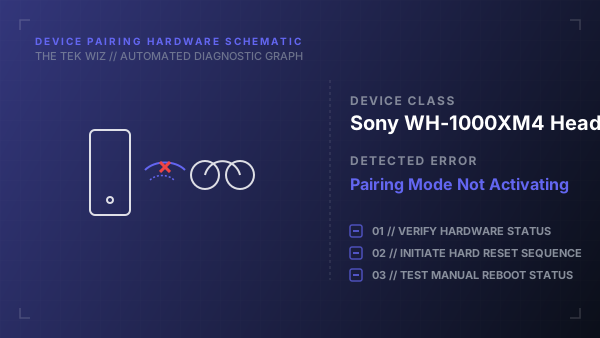
Step-by-Step Resolution
- 1
Power off the headphones completely and ensure the USB-C charging cable is disconnected.
- 2
Press and hold the Power button and the Custom (or Custom/Ambient) button simultaneously.
- 3
Keep both buttons held down for at least 7 seconds until the blue indicator light flashes 4 times.
- 4
Release the buttons and wait 5 seconds for the system memory to clear and re-initialize.
- 5
Press and hold the Power button alone for 7 seconds to launch the fresh pairing mode, signaled by double blue flashes.
Alternative Causes & Edge Cases
- Applies to Sony WH-1000XM5 and WH-CH720N over-ear wireless models.
- An active connection to a USB charger disables the Bluetooth transceiver entirely as a hardware protection measure.