How to Fix JBL Flip Speaker Pairing Failure / Flashing Red
Quick Diagnosis
A JBL Flip speaker flashing its power or connect button red and rejecting Bluetooth connections is experiencing a firmware lock or entering an audio bypass mode. A hardware button combination resets the internal DSP controller and restores standard Bluetooth pairing.
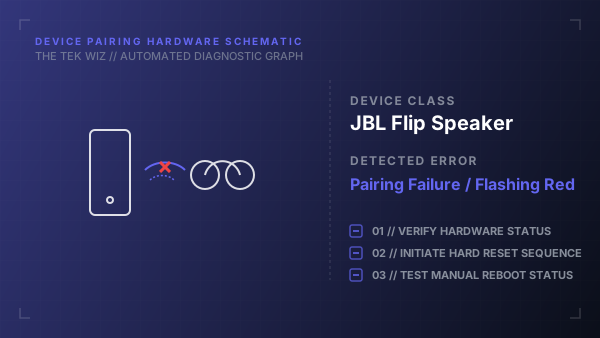
Step-by-Step Resolution
- 1
Turn on the JBL Flip speaker by pressing the physical Power button (verify the status LED illuminates).
- 2
Press and hold the Volume Up (+) button and the Play/Pause button simultaneously.
- 3
Continue holding both physical buttons down for 5 to 8 seconds until the speaker makes a brief descending tone and powers down automatically.
- 4
Release the buttons and verify the LED lights go completely unlit.
- 5
Clean the USB charging port of any dust or debris using a clean toothpick.
- 6
Connect the speaker to a USB wall charger for 30 seconds to wake the battery controller.
- 7
Press the physical Power button to turn the speaker back on (it should make the startup chime and enter pairing mode automatically, indicated by a flashing blue light).
Alternative Causes & Edge Cases
- Applies to JBL Flip 4, Flip 5, and Flip 6 portable Bluetooth speakers.
- Accidentally holding the Connect/PartyBoost button and Volume Down button can lock the speaker in 'Service Mode,' which can only be exited by plugging in a USB power cord and repeating the reset button combination.