How to Fix Apple iPhone 13 Camera Shaking or Buzzing (OIS Shaking)
Quick Diagnosis
Exposure to high-frequency engine vibrations or magnetic mounts can disrupt or physically damage the delicate springs and electromagnets inside the Optical Image Stabilization (OIS) module. This causes the camera lens to vibrate rapidly and produce a buzzing sound or blurry images.
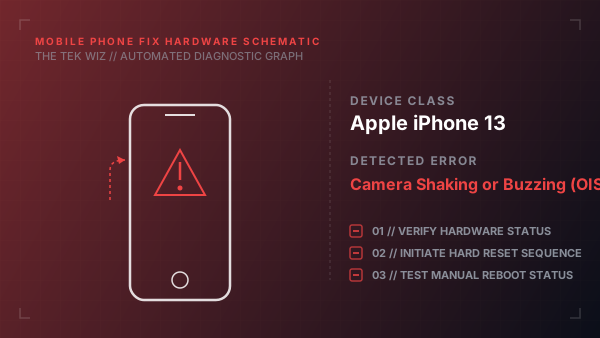
Step-by-Step Resolution
- 1
Remove all phone cases, magnetic mounts, and third-party lenses to rule out external magnetic interference.
- 2
Wipe the camera lens glass thoroughly with a clean, dry microfiber cloth to eliminate smudges that cause focus hunting.
- 3
Open the Camera app and switch between the main lens (1x) and ultra-wide lens (0.5x) to identify if the shaking is isolated to a specific module.
- 4
Perform a force restart of the iPhone to clear temporary software instruction loops to the lens actuators.
- 5
Gently tap the back of the phone near the camera bezel to see if the stabilization gyroscope seats or settles temporarily.
Alternative Causes & Edge Cases
- iPhone 12 Pro - A loose camera bracket inside the chassis following a hard drop
- iPhone 14 - A faulty third-party replacement camera module failing to authenticate with the logic board