How to Fix Apple iPhone 13 Stuck on Apple Logo
Quick Diagnosis
An iPhone stuck in an Apple logo boot loop indicates a failure during the hardware power-on handshake. This is often caused by a temporary memory buffer lockup, a sticky volume button, or a depleted battery voltage drop.
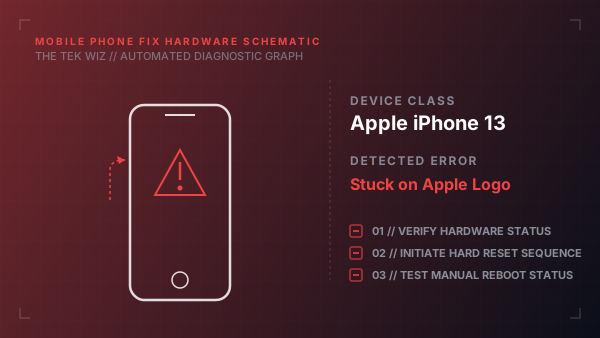
Step-by-Step Resolution
- 1
Press and quickly release the Volume Up physical button on the left side of the frame.
- 2
Press and quickly release the Volume Down physical button.
- 3
Press and hold the Side Power button on the right side of the device frame.
- 4
Keep holding the Side button for 10-15 seconds until the screen goes black and the Apple logo reappears.
- 5
Release the Side button only after the second Apple logo displays, allowing the OS memory registers to clear.
Alternative Causes & Edge Cases
- Applies to iPhone 12, 14, and 15 series phones sharing the same physical key combinations.
- Debris clogging the Lightning/USB-C charging port can short the power pins and cause boot loops.