How to Fix Apple iPhone Haptic Engine Rattling
Quick Diagnosis
A rattling, buzzing, or clicking vibration on an iPhone is typically caused by one or more loose physical mounting screws holding the Taptic Engine unit to the phone's internal metal frame chassis.
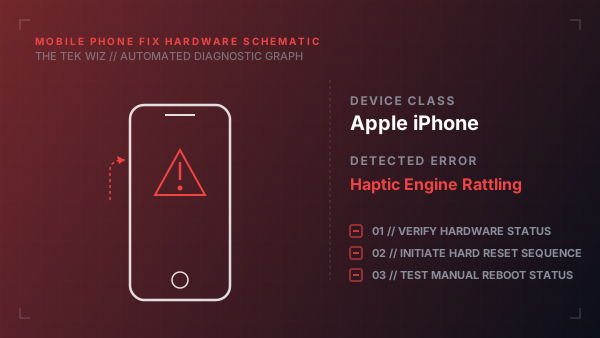
Step-by-Step Resolution
- 1
Test if the rattle stops when pressing down firmly with your thumb on the back glass panel directly to the right of the Apple logo (the physical location of the Taptic Engine).
- 2
Gently tap the side frame of the iPhone against your palm to check for loose internal metallic clicks.
- 3
Verify that the vibration settings are not simply generating sharp clicks: navigate to Settings -> Sounds & Haptics to select a smoother pattern.
- 4
If the mechanical rattle is loud and persistent, the internal mounting screws have loosened; this requires opening the screen using a pentalobe screwdriver.
- 5
Locate the Taptic Engine module at the bottom-right corner next to the battery.
- 6
Tighten the three small tri-wing screws securing the module to the frame backplate to eliminate structural vibrations.
- 7
Ensure the small grounding spring clip is physically contacting the metal shielding bracket correctly before closing.
Alternative Causes & Edge Cases
- On iPhone 7 and 8 models, the Taptic Engine core magnet can crack internally after a hard drop, causing a rattling sound even if the mounting screws are tight.
- On iPhone 12 Pro, a loose internal loudspeaker assembly situated directly above the Taptic Engine can buzz in sympathy during vibrations.