How to Fix Apple iPhone SIM Card Not Detected
Quick Diagnosis
A 'No SIM Card Installed' error on an iPhone is typically caused by a misaligned SIM card tray, dirt on the gold contact pads, or a loss of contact pressure inside the physical reader slot.
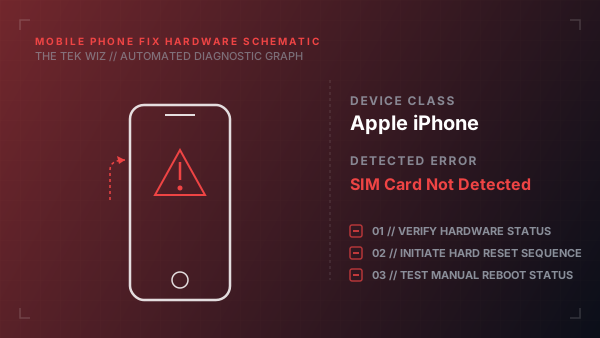
Step-by-Step Resolution
- 1
Locate the physical SIM card tray on the side of the iPhone frame.
- 2
Insert a paperclip or a dedicated SIM ejector tool into the pinhole next to the tray.
- 3
Press firmly straight in until the tray pops out; do not angle the tool to avoid mechanical bending.
- 4
Remove the SIM card from the tray and inspect it for physical scratches or cracks.
- 5
Wipe the gold-plated contact pad surface of the SIM card clean using a lint-free cloth.
- 6
Use a can of compressed air or a dry bulb blower to blow out any dust or lint inside the SIM reader slot cavity.
- 7
Place the SIM card back into the tray, ensuring it sits flat and aligned with the notch.
- 8
Insert the tray back into the iPhone in the correct orientation and press it flush with the frame.
Alternative Causes & Edge Cases
- On iPhone 12 and 13 models, the SIM reader is a modular hardware part inside the chassis; a hard drop can dislodge its motherboard socket, leading to intermittent 'No SIM' warnings.
- On dual-SIM models, physical deformation of the double-sided SIM tray clip will prevent the bottom card from aligning with the spring contacts.