How to Fix Apple iPhone Volume Button Stuck
Quick Diagnosis
A stuck or unresponsive volume button on an iPhone is typically caused by built-up pocket lint, sticky residue, or localized casing indentation blocking the physical button travel path.
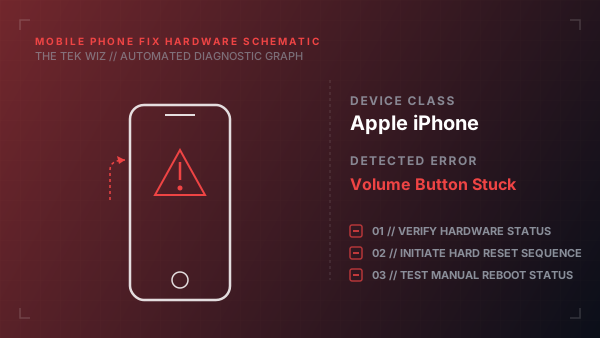
Step-by-Step Resolution
- 1
Power off the iPhone completely before cleaning.
- 2
Dampen a soft microfiber cloth slightly with 90% or higher isopropyl alcohol (do not spray directly).
- 3
Gently wipe around the recessed gap of the stuck volume button to dissolve sticky residues.
- 4
Use a clean, dry soft-bristled toothbrush to brush out any lint or dirt fragments lodged in the button crevices.
- 5
Press the button repeatedly; if it clicked but remains stuck, use a wooden toothpick to gently scrape around the perimeter.
- 6
If the button has no physical travel due to a bent aluminum frame corner, use a plastic spudger tool to apply outward leverage carefully away from the button.
Alternative Causes & Edge Cases
- On iPhone XR and 11 models, a volume button may feel clicky but fail to register due to a torn internal flex cable contact pad, requiring a hardware internal cable swap.
- On newer iPhone 15 Pro models, the Action Button can become unresponsive if dirt deposits build up beneath the tactile gasket seal.