How to Fix Google Pixel 6 Stuck Power Button
Quick Diagnosis
Pocket lint, dirt, or dried skin oils accumulate in the narrow recess around the physical power button, blocking its spring action. This mechanical obstruction prevents the button from rebounding, causing it to feel stuck, remain pressed, or trigger continuous boot loops.
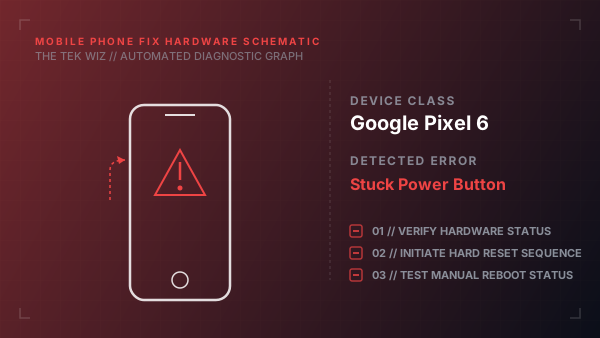
Step-by-Step Resolution
- 1
Remove any protective case from the phone to ensure it is not applying side pressure or trapping dirt against the button.
- 2
Lightly dampen a Q-tip or a clean, soft-bristled toothbrush with a small amount of 91% or higher isopropyl alcohol.
- 3
Gently scrub around the edges of the power button to break down and dissolve compacted oils and grease.
- 4
Press and release the power button rapidly 20 to 30 times in quick succession to work the alcohol into the gap and loosen the mechanism.
- 5
Use a can of compressed air to blow short, direct bursts around the button seams to clear out dislodged debris.
Alternative Causes & Edge Cases
- Pixel 7 - Physical damage to the internal dome switch on the logic board from a hard side impact
- Pixel 6a - A bent metal frame pinching the button and physically obstructing its travel