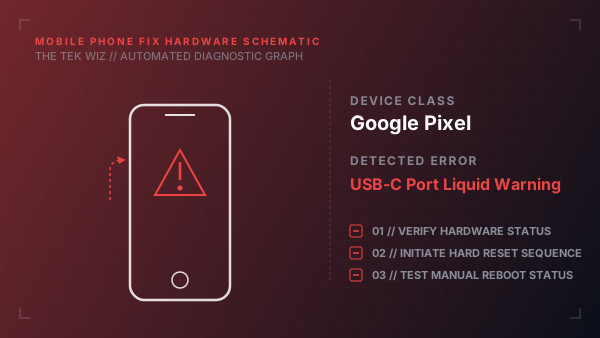
How to Fix Google Pixel USB-C Port Liquid Warning
Quick Diagnosis
A 'Liquid or debris detected' warning on a Google Pixel phone is triggered by the safety sensor chip detecting electrical shorting or humidity bridge across the USB-C port pin rows. This requires physical drying and cleaning to clear safely.
Step-by-Step Resolution
- 1
Unplug any charging cables or USB accessories from the port immediately.
- 2
Turn off the Google Pixel phone to prevent electrical short-circuits across the charging rails.
- 3
Hold the phone with the USB-C port facing down and tap it gently against your hand to dislodge any pooled liquid.
- 4
Use a lint-free cotton swab or a tightly rolled corner of a dry paper towel to gently absorb liquid from the outer rim of the port.
- 5
Place the phone in a dry area with active physical airflow (such as near a fan or open window); leave it for at least 2 hours to dry naturally.
- 6
Do not use hair dryers (which melt plastic ports) or insert S-Pens/metal pins into the wet port.
- 7
Verify the port is free of wet pocket lint; if wet lint remains, scrape it out gently using a wooden toothpick.
- 8
Once completely dry, power on the phone and insert the charging cable.
Alternative Causes & Edge Cases
- On the Google Pixel 7a, this warning can trigger falsely due to physical grease build-up on the charging port pins, requiring a scrub with a toothbrush dipped in isopropyl alcohol.
- On the Google Pixel 6 Pro, a damaged internal port gasket can let humidity seep behind the charging block, keeping the sensor locked even if the port opening is dry.