How to Fix Acer Aspire Power Light On but Black Screen
Quick Diagnosis
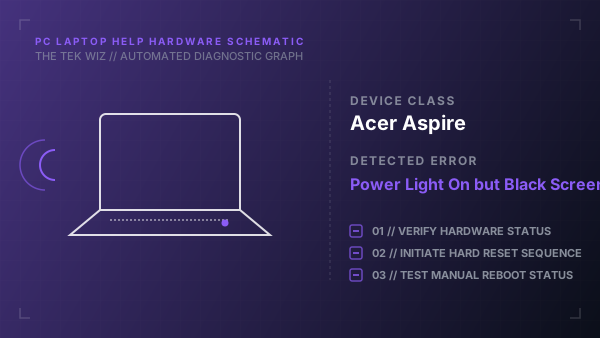
An Acer Aspire laptop showing a solid blue power indicator LED but a black, unresponsive screen has failed to wake from a deep sleep state or has a physical memory contact issue. This is usually resolved by a physical CMOS battery clearance or hard reset.
Step-by-Step Resolution
- 1
Unplug the AC power adapter from the laptop.
- 2
Look at the bottom cover of the laptop to find a small pinhole with a battery reset icon (a battery with a circular arrow).
- 3
Insert a straightened paperclip into the battery reset pinhole and press and hold the button inside for 10 seconds.
- 4
Release the pinhole button, wait 5 minutes without plugging in the power cord, to let the internal memory reset.
- 5
Plug in the AC power adapter and press the Power button to boot the laptop.
- 6
If the screen remains black, open the back cover panel and locate the round CR2032 CMOS battery.
- 7
Unplug the CMOS battery connector cable from the motherboard socket, wait 2 minutes to wipe BIOS memory, then plug it back in.
- 8
Reseat the memory (RAM) modules to ensure clean electrical contacts.
Alternative Causes & Edge Cases
- On the Acer Aspire 3, this issue can be caused by a faulty magnetic lid switch (hall sensor) that is physically stuck, fooling the laptop into thinking the lid is closed.
- On the Acer Aspire 5, if the power light blinks blue instead of staying solid, it indicates a physical hardware failure in the CPU power phase rails.