How to Fix Dell Inspiron 15 3520 2 Amber 3 White LED Blink
Quick Diagnosis
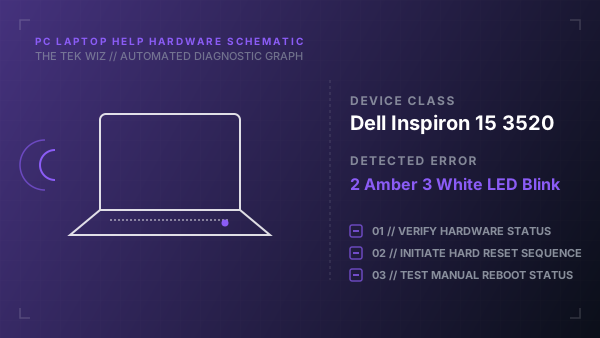
This flashing pattern indicates that the system's power-on self-test (POST) has failed to detect system memory (RAM). The issue is commonly caused by a loose memory module in its slot, oxidation on the RAM pins, or a failed RAM stick.
Step-by-Step Resolution
- 1
Unplug the AC power adapter and shut down the laptop completely.
- 2
Remove the bottom chassis cover by unscrewing the retaining screws to access the motherboard.
- 3
Carefully locate the memory modules, release the metal securing clips on both sides, and remove the RAM sticks.
- 4
Gently wipe the gold-plated contacts of the RAM sticks with a clean micro-fiber cloth to remove dust or oxidation.
- 5
Firmly reinsert the RAM sticks back into the slots until they click securely into place, then reinstall the bottom cover.
- 6
Plug in the power adapter and press the power button to verify if the laptop boots normally.
Alternative Causes & Edge Cases
- Latitude 5420: A faulty primary memory slot requiring the RAM module to be relocated to the secondary slot.
- Vostro 3510: Failed integrated motherboard RAM circuitry that requires a complete system board replacement.