How to Fix Dell Inspiron Black Screen and Caps Lock Blinking
Quick Diagnosis
A black screen paired with a blinking Caps Lock LED typically indicates a failure during the Power-On Self-Test (POST). This code represents a memory (RAM) detection failure or motherboard static charge lockup.
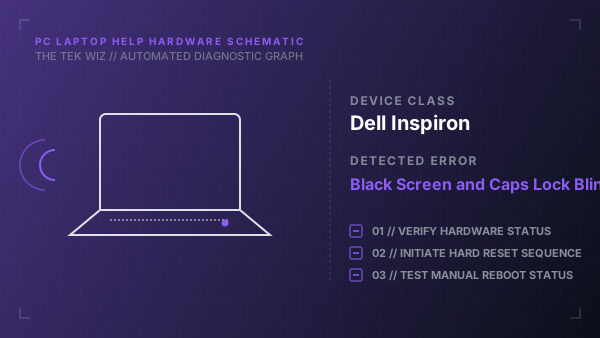
Step-by-Step Resolution
- 1
Shut down the laptop, unplug the AC adapter charger, and slide the battery latch to remove the battery (if external).
- 2
Press and hold the physical power button down for 30 seconds to drain remaining static power from the system board.
- 3
Remove the bottom access cover panel using a Phillips screwdriver to expose the memory slots.
- 4
Release the metal clips on the RAM sticks, remove the RAM, clean the gold contacts with a clean microfiber cloth, and seat the sticks back firmly.
- 5
Reattach the cover, plug in the AC adapter (leaving the battery out initially), and boot the laptop to test.
Alternative Causes & Edge Cases
- Applies to Dell Latitude and Vostro laptop series using matching diagnostic LED blink codes.
- A faulty BIOS CMOS coin-cell battery can lock the system board in a simulated POST failure state.