How to Fix Dell Latitude 3 Amber 3 White LED Blink
Quick Diagnosis
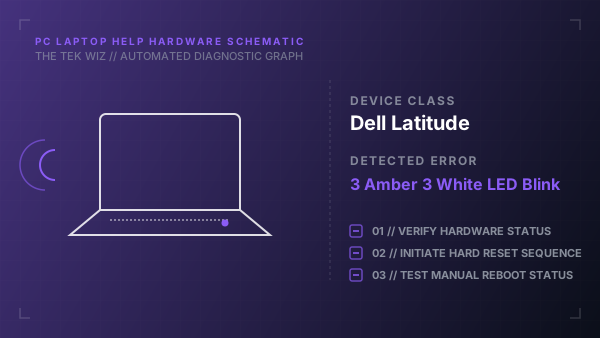
A flashing battery LED showing 3 amber and 3 white blinks on a Dell Latitude laptop indicates a BIOS recovery corruption error or missing recovery flash image. This is typically fixed by triggering the built-in hardware BIOS recovery mode.
Step-by-Step Resolution
- 1
Shut down the laptop completely and disconnect the AC charging adapter.
- 2
Unplug all external accessories, monitors, and docks from the laptop ports.
- 3
Press and hold the Ctrl and Esc keys down simultaneously on the keyboard.
- 4
While holding Ctrl and Esc, plug the AC adapter power cord back into the laptop.
- 5
Release the Ctrl and Esc keys only when the BIOS Recovery screen appears or the keyboard backlight turns on.
- 6
Select the physical screen option to 'Recover BIOS' (using the arrow keys) and press Enter to allow the motherboard to flash the backup recovery image.
- 7
If the LED pattern persists, perform a Real-Time Clock (RTC) reset by pressing and holding the Power button down for a full 35 seconds.
Alternative Causes & Edge Cases
- On Dell Inspiron laptops, a 3-amber 3-white blink can occur if the CMOS coin-cell battery has depleted below 2.0V, requiring a physical replacement of the CR2032 battery.
- On Dell Vostro laptops, this code can represent a corrupted BIOS state caused by a physical main battery swap while the adapter was plugged in.