How to Fix HP EliteBook 3 Long 4 Short Beeps
Quick Diagnosis
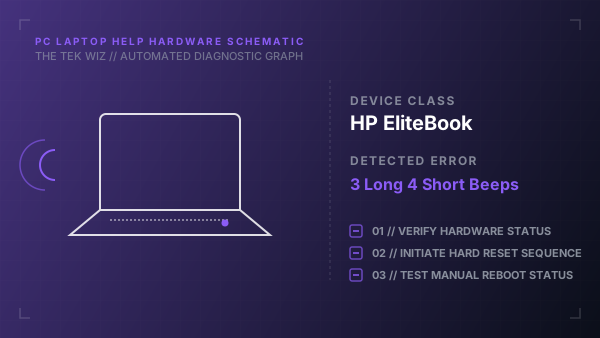
A startup audio sequence of 3 long beeps followed by 4 short beeps on an HP EliteBook indicates a physical power rail failure or charging subsystem fault. This is usually caused by insufficient input voltage from a faulty AC charger port or battery lockup.
Step-by-Step Resolution
- 1
Unplug the AC power adapter from the laptop's charging port.
- 2
Unplug the charger block from the wall outlet and inspect the charging pin inside the adapter tip for dust or damage.
- 3
If the EliteBook has a removable battery slide latches, remove the battery; if internal, proceed to next step.
- 4
Press and hold the Power button down for 45 seconds to perform a hard system controller drain.
- 5
Plug the AC power charger directly into a verified wall outlet (bypassing any extension strip).
- 6
Plug the charger back into the laptop. Verify if the battery status LED turns on (usually white or amber).
- 7
Press the Power button to boot the system; if it boots, shut it down and reinsert the battery.
Alternative Causes & Edge Cases
- On HP ZBook mobile workstations, a 3-long 4-short beep code can indicate a thermal shutdown trigger if the internal cooling fan is physically jammed by dust or lint.
- On HP EliteDesk desktop units, this sequence signifies an external power supply brick output failure, requiring a replacement of the external 65W/90W adapter.