How to Fix HP Pavilion 15 Caps Lock Blink 3 Long 2 Short
Quick Diagnosis
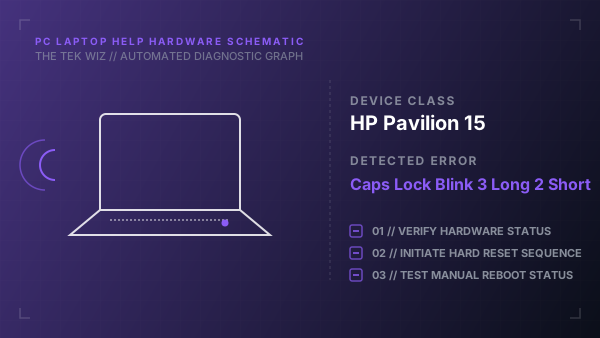
This LED blinking code indicates that the embedded controller timed out during memory initialization. The physical hardware cause is typically an unseated RAM module, a bad electrical contact, or a defective RAM stick.
Step-by-Step Resolution
- 1
Power down the laptop, disconnect the AC charger, and remove the external battery if applicable.
- 2
Press and hold the power button for 15 seconds to drain all residual electrical charge from the system board.
- 3
Remove the bottom cover of the laptop to access the memory modules.
- 4
Locate the RAM sticks, release their retention clips, pull them out, and clean the slots with compressed air.
- 5
Reinsert the RAM modules firmly at a 30-degree angle and press down until the metal clips snap into place.
- 6
Reassemble the chassis, connect only the AC power adapter, and boot the computer to test.
Alternative Causes & Edge Cases
- EliteBook 840 G5: A faulty memory channel slot on the motherboard that requires using a single RAM stick in the alternative slot.
- HP Chromebook 14: Failed soldered memory chips on the mainboard that require a complete motherboard replacement.