How to Fix HP ProBook Caps Lock Blinks 5 Long 2 Short
Quick Diagnosis
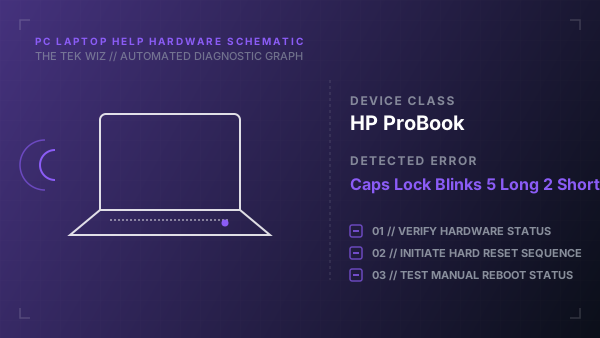
A flashing Caps Lock LED with 5 long blinks followed by 2 short blinks on HP ProBook laptops indicates a system board power rail fault or a physical motherboard controller failure. This is often resolved by clearing residual capacitance.
Step-by-Step Resolution
- 1
Unplug the AC power adapter charger cord from the laptop's charging port.
- 2
Remove any external USB drives, mouse dongles, or peripheral cables.
- 3
If the battery is removable, slide the battery latches and remove it; if it is internal, bypass to the next step.
- 4
Press and hold the physical Power button on the keyboard for a full 30 seconds to drain any residual electrical charge from the capacitors.
- 5
Reconnect the AC power adapter directly to a wall outlet, and then plug it back into the laptop.
- 6
Do not insert the battery yet (if removed). Press the Power button to boot the system.
- 7
If the blinking pattern persists, perform a BIOS recovery by holding the Win + B keys down while pressing and holding the Power button for 3 seconds.
Alternative Causes & Edge Cases
- On HP EliteBook systems, a 5-long 2-short sequence can be triggered by a physical short circuit in one of the USB charging ports due to bent internal metal contacts.
- On HP Pavilion 15 laptops, if the blinking is 3-long 2-short instead, it indicates a physical memory RAM validation failure, requiring slot cleaning.