How to Fix Lenovo ThinkPad X1 Carbon Unresponsive Black Screen
Quick Diagnosis
This issue occurs when an electrostatic discharge (ESD) or power surge locks the internal embedded controller (EC) in a non-responsive loop. As a result, the laptop is unable to initialize the power-on sequence even when the AC charger is plugged in.
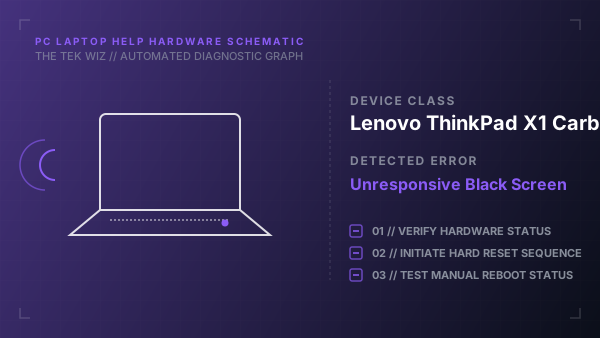
Step-by-Step Resolution
- 1
Disconnect the AC power adapter and all external peripherals (docks, USB drives, external monitors).
- 2
Locate the tiny Emergency Reset Hole on the bottom cover of the ThinkPad chassis.
- 3
Insert a straightened paperclip into the hole and press and hold the internal reset switch for 10 seconds.
- 4
Remove the paperclip and press and hold the main Power button for 30 seconds to drain any residual static charge.
- 5
Plug the official Lenovo AC power charger back into the USB-C power delivery port.
- 6
Press the power button once to turn on the laptop and verify if the display initializes.
Alternative Causes & Edge Cases
- ThinkPad T480: A failed secondary internal bridge battery that must be disconnected from the motherboard to clear the power block.
- ThinkPad L14: A blown charging port fuse on the system board that prevents power delivery and requires replacing the DC-in jack assembly.