How to Fix Brother HL-L2350DW Drum Light Flashing
Quick Diagnosis
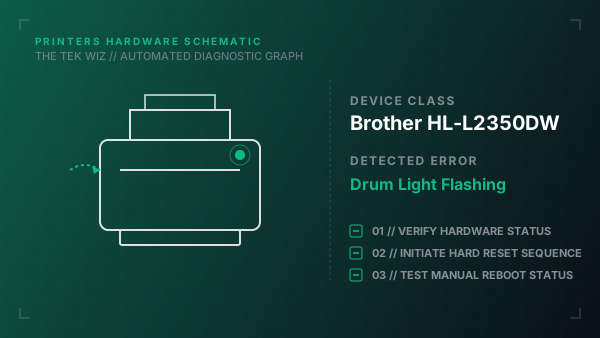
The flashing Drum light indicates that the corona wire is dirty or that the internal drum counter has reached its preset rotational limit and must be physically reset. This is a built-in maintenance timer that runs independently of actual drum degradation.
Step-by-Step Resolution
- 1
Open the printer's front door cover while leaving the unit powered on.
- 2
Press and hold the OK button and the Up Arrow button simultaneously for about two seconds.
- 3
Press the OK button once more to select the Drum menu on the LCD display.
- 4
Press the Down Arrow button to initiate the drum counter reset sequence.
- 5
Verify that the LCD display reads 'Accepted' and then close the front door cover.
Alternative Causes & Edge Cases
- On the Brother HL-L2300D, the reset is performed by holding the green 'Go' button down with the front cover open until all LEDs light up.
- On the Brother MFC-L2710DW, the drum reset requires pressing the Menu button and selecting the Drum reset option through the control panel touch keys.