How to Fix Canon PIXMA TS3520 Support Code 1300
Quick Diagnosis
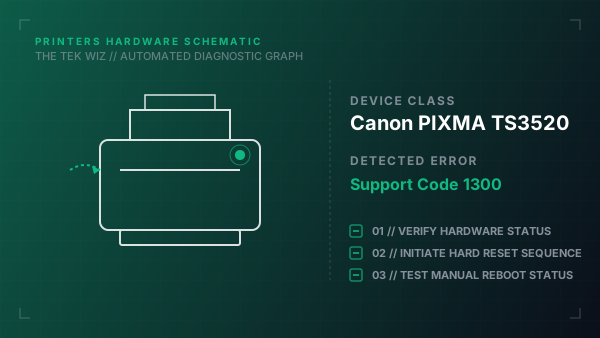
Support Code 1300 on the Canon PIXMA TS3520 indicates a physical paper jam. This error is triggered when paper is jammed in the feed rollers, or the paper output slot cover/tray is physically blocking the exit feed.
Step-by-Step Resolution
- 1
Unplug the printer's power cord from the wall outlet.
- 2
Open the paper output cover/door on the front of the printer completely.
- 3
Check inside the cartridge access cavity and gently extract any jammed paper sheets by pulling them out slowly in the direction of the paper feed path.
- 4
Gently wipe the gray rubber paper feed rollers with a lint-free cloth lightly moistened with water to remove paper dust.
- 5
Inspect the rear paper guide tray; verify that the paper is loaded correctly and that the paper limits guides are flush against the edges.
- 6
Verify that the small paper sensor flag inside the paper path is moving freely and is not stuck in a down position.
- 7
Close the paper output cover, plug the power cord back into the wall outlet, and power the printer back on.
Alternative Causes & Edge Cases
- On the Canon PIXMA G3000, Support Code 1300 can occur if the clear encoder film ribbon has dust or lubricant on it, causing the carriage sensor to misread positions and report false jams.
- On the Canon PIXMA TS6420, a 1300 code will trigger if the physical paper tray cassette sensor at the bottom is misaligned, preventing the paper lifter from lifting.