How to Fix Epson EcoTank ET-2800 Flashing Ink Droplet LED
Quick Diagnosis
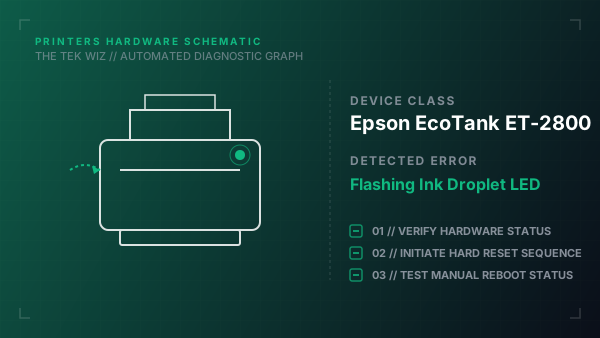
A flashing ink droplet LED or panel message on the Epson EcoTank ET-2800 indicates that the printer's internal estimated ink counter has run low. Because EcoTank printers do not have physical sensors inside the tanks, the counter must be reset manually using a specific button sequence.
Step-by-Step Resolution
- 1
Open the scanner unit cover to inspect the physical ink levels through the front window panels.
- 2
If the ink levels are below the bottom limit line, lift the ink tank cover and refill the tanks using the correct Epson T522 ink bottles.
- 3
Close the ink tank caps and the scanner unit cover securely.
- 4
Press and hold the Stop (circle-triangle) button on the control panel for 5 seconds until the power light flashes and the ink light goes off, resetting the internal count.
- 5
On models with an LCD display, navigate to Maintenance -> Reset Ink Levels and follow the physical prompts to select the refilled color.
Alternative Causes & Edge Cases
- On the Epson EcoTank ET-4800, a solid ink droplet light accompanied by a 'Paper Jam' error indicates a stuck carriage path or a dislodged paper sensor mechanism.
- On older EcoTank ET-2720 printers, if the ink droplet LED continues to blink after refill, a cold reboot (unplugging for 60 seconds while holding the Power button) is required to clear the status register.