How to Fix Epson WorkForce WF-3820 Carriage Jam Error 0xEA
Quick Diagnosis
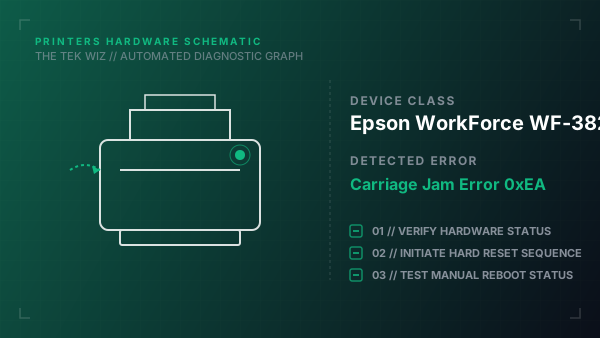
Error code 0xEA on the Epson WorkForce WF-3820 indicates a physical printhead carriage jam. This happens when packing tape, jammed paper fragments, or a dislodged ink cartridge blocks the carriage assembly from completing its side-to-side initialization path.
Step-by-Step Resolution
- 1
Turn off the printer by pressing the Power button, then unplug the power cord from the wall outlet.
- 2
Open the printer's scanner unit top assembly and prop it open securely.
- 3
Check the clear plastic encoder strip (a thin band running behind the carriage); if it has grease or ink smudges, gently wipe it with a dry lint-free cloth.
- 4
Inspect the far-right capping station area for paper scraps, labels, or dislodged ink cartridges.
- 5
Carefully push the printhead carriage assembly to the left to check for smooth mechanical travel.
- 6
Check the white plastic drive gears on the far-left side of the carriage rail; manually rotate them to ensure they are clear of debris.
- 7
Close the scanner unit top assembly firmly, plug the power cord directly into a wall outlet, and power on the printer.
Alternative Causes & Edge Cases
- On the Epson WorkForce WF-2830, a 0xEA error can also be caused by a dislodged paper feed roller separation pad that has popped out of its bottom spring mounts.
- On the Epson WorkForce WF-4720, this error may trigger if the printhead carriage cable ribbon becomes folded or twisted, physically snagging against the internal chassis rails.