How to Fix HP Envy 6055 Flashing Amber Bar E0
Quick Diagnosis
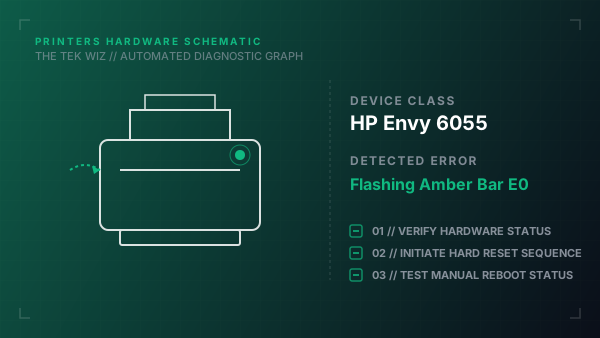
A flashing amber status light bar on the HP Envy 6055 accompanied by error code E0 on the small LCD screen indicates a physical cartridge carriage stall or carriage jam, preventing the cartridges from sliding freely.
Step-by-Step Resolution
- 1
Unplug the power cable from the back of the printer while the machine is turned on.
- 2
Open the ink cartridge access door by lifting it from the side notches.
- 3
Inspect the physical print carriage path for jammed paper, crumpled sheets, or plastic tape.
- 4
With the power unplugged, carefully slide the cartridge carriage by hand from side to side; if it snags, check for physical obstructions on the rail.
- 5
Inspect the ink cartridge latch brackets; ensure both the black and color cartridges are pushed firmly into their slots and the clip latches are clicked down completely.
- 6
Clean the copper contacts on the cartridge and inside the slot with a lint-free cloth if contacts are dirty.
- 7
Close the cartridge access door, plug the power cord directly into a wall outlet, and turn on the printer.
Alternative Causes & Edge Cases
- On the HP Envy 6455, a flashing amber bar can also indicate a physical paper feeder roller jam in the automatic document feeder (ADF) tray at the top.
- On the HP Envy Pro 6452, error E0 will trigger if the physical paper output sensor flag is blocked or dislodged from its mounting channel.