How to Fix HP LaserJet P1102 Blinking Orange Light
Quick Diagnosis
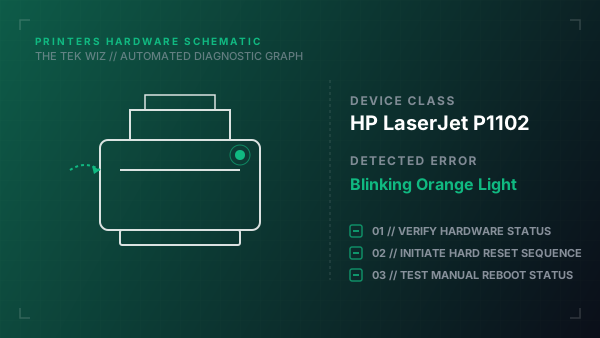
The blinking orange light indicates a mechanical paper jam, an open cartridge access door, or an improperly seated toner cartridge. This error prevents the printer from starting its feed cycle until the mechanical sensor is cleared.
Step-by-Step Resolution
- 1
Open the toner cartridge access door and remove the HP 85A toner cartridge.
- 2
Inspect the internal paper path for torn scraps, labels, or dislodged rollers, and pull any jammed paper straight out with both hands.
- 3
Check the rear feed rollers for dust, and wipe them clean with a lint-free damp cloth.
- 4
Reinsert the toner cartridge firmly until it clicks, then close the cartridge access door completely.
- 5
Disconnect the power cord from the wall for 60 seconds, then reconnect it to trigger a physical hardware reset.
Alternative Causes & Edge Cases
- Applies to HP LaserJet P1102w model variants resolving wireless sensor faults.
- Empty or non-contacting paper tray microswitch can cause identical flashing states.