How to Fix HP LaserJet Pro M15w Attention Light Blinking
Quick Diagnosis
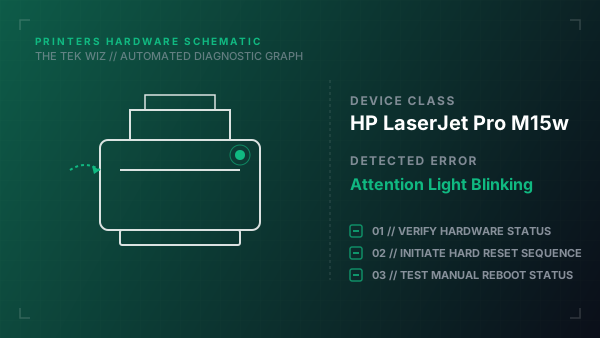
A blinking orange attention LED (triangle outline icon) on the HP LaserJet Pro M15w indicates a physical paper jam, an open top cartridge door, or a missing/misaligned print toner cartridge.
Step-by-Step Resolution
- 1
Open the main toner cartridge access door on the top of the printer.
- 2
Grasp the handle of the HP 48A toner cartridge and pull it straight out of the carriage tracks.
- 3
Inspect the internal paper path for any scraps of paper, labels, or jammed sheets; pull them out slowly in the direction of the paper feed.
- 4
Verify that the orange plastic shipping clip or pull-tab tape has been fully removed from the toner cartridge body.
- 5
Realign the toner cartridge with the side grooves inside the printer and push it in firmly until it snaps into place.
- 6
Close the top cartridge access door securely, ensuring both sides click locked to depress the door-closed safety microswitch.
- 7
Inspect the rear paper guide tray; pull it open and slide the plastic paper width adjusters flush against the paper stack.
Alternative Causes & Edge Cases
- On the HP LaserJet Pro M102w, the attention light will flash orange if the physical paper tray cover is not properly latched into the front panel.
- On the HP LaserJet Pro M402dn, a flashing attention LED accompanied by error 'Tray 2 Empty' indicates that the physical paper lift sensor inside the bottom cassette is stuck in the down position.