How to Fix Ecobee Smart Thermostat Flashing Green Light on Top
Quick Diagnosis
A pulsing or flashing green LED bar on the top edge of the Ecobee Smart Thermostat indicates an unread Alexa voice notification or that a secondary smart sensor has failed to sync physically, keeping the bus in a waiting state.
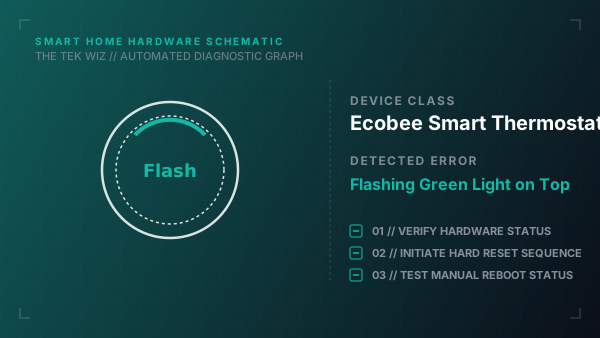
Step-by-Step Resolution
- 1
Verify if a voice assistant notification is active: say 'Alexa, read my notifications' to clear the alert state physically.
- 2
If the green light remains flashing, pull the Ecobee thermostat display unit straight off its wall backplate.
- 3
Inspect the physical terminal connections; check that the wires are firmly pushed into the terminal clips (especially R, C, and PEK/G wires).
- 4
Leave the display off the wall backplate for 60 seconds to allow the internal processor registers to clear.
- 5
Push the Ecobee display unit back onto the wall backplate bracket; press firmly until it snaps into place.
- 6
Wait 2 minutes for the boot cycle to complete and check if the green LED bar turns off.
Alternative Causes & Edge Cases
- On Ecobee3 Lite models, a flashing green LED can represent a furnace fan signal detection conflict with older HVAC heating controllers, requiring PEK wiring check.
- On newer Ecobee Smart Premium thermostats, a yellow flashing LED indicates a physical air filter replacement schedule limit has been exceeded.