How to Fix Kwikset Halo Flashing Red Light / Beeping
Quick Diagnosis
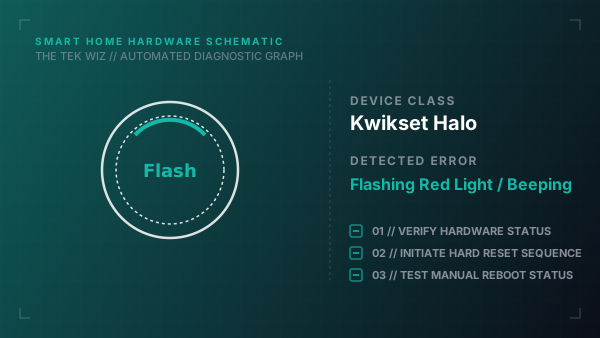
A flashing red interior status light accompanied by beeping on a Kwikset Halo smart lock indicates a deadbolt latch physical jam or gear timing fault. This occurs when the deadbolt is unable to fully extend into the door frame pocket due to poor strike plate alignment.
Step-by-Step Resolution
- 1
Open the door and turn the manual thumb-turn piece to test deadbolt movement.
- 2
If the deadbolt moves smoothly while the door is open, inspect the door frame strike plate alignment.
- 3
Loosen the strike plate screws on the door frame; align the plate so that the deadbolt extends into the center of the pocket without scraping.
- 4
Remove the interior lock battery cover by sliding it upward.
- 5
Slide out the main battery pack holder; check all 4 AA battery terminals for corrosion.
- 6
Insert 4 fresh non-rechargeable AA alkaline batteries.
- 7
Hold the physical 'Program' button on the interior side of the lock while sliding the battery pack back in to trigger a physical door handing re-calibration.
Alternative Causes & Edge Cases
- On Kwikset SmartCode locks, a flashing red LED when entering a code indicates that 3 incorrect codes have been entered, locking the physical keypad for 60 seconds.
- On older Kwikset Kevo locks, a flashing red ring indicates that the physical touch-to-open capacitive sensor wire has loosened from the interior latch connector socket.