How to Fix MyQ Smart Garage Hub Flashing Green LED / Beeping
Quick Diagnosis
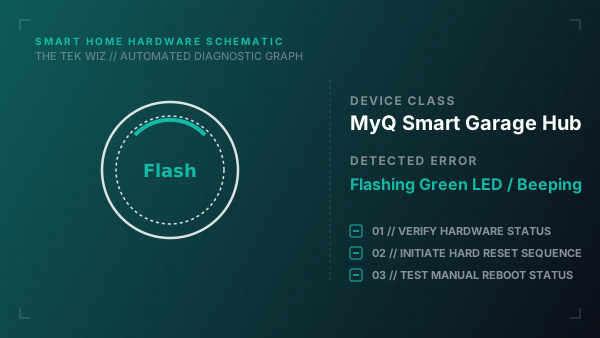
A flashing green LED on the MyQ Smart Garage Hub accompanied by warning beeps indicates that the hub has lost physical signal connection with the door sensor, or the door sensor's battery is depleted.
Step-by-Step Resolution
- 1
Locate the small rectangular door sensor mounted on the top panel of your garage door.
- 2
Remove the sensor cover by sliding a small flathead screwdriver into the bottom notch.
- 3
Replace the internal CR2450 coin-cell battery with a fresh one, ensuring the positive (+) side faces up.
- 4
Verify the physical mounting orientation: the sensor must be mounted vertically with the word 'TOP' facing up.
- 5
Press the physical Test button on the front of the door sensor; verify that the hub base station LED flashes in response, indicating active handshake.
- 6
Unplug the main hub power adapter from the ceiling outlet, wait 20 seconds, and plug it back in to reboot the system.
Alternative Causes & Edge Cases
- On Chamberlain Smart Garage Openers with integrated MyQ, a blinking green light accompanied by a beep sequence can indicate that the physical safety beams (photoelectric sensors) are misaligned.
- On MyQ Home Bridge units, a pulsing green light indicates the device is trying to establish a physical connection with Apple HomeKit routers.