How to Fix Nest Learning Thermostat 3rd Generation E74 No Power Error
Quick Diagnosis
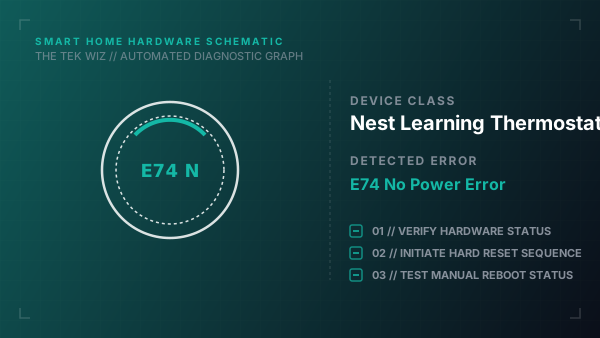
The E74 error indicates that the thermostat is not detecting 24V AC power on the Rh or Rc wire. This is typically caused by a tripped HVAC circuit breaker, a blown control board fuse, or a clogged condensate drain line that has tripped a safety float switch.
Step-by-Step Resolution
- 1
Locate your home's main electrical panel and check if the circuit breaker labeled for your HVAC, furnace, or air handler has tripped; flip it fully off and then back to the on position.
- 2
Check the physical power switch on or near the furnace cabinet (often resembling a standard light switch) and ensure it is toggled to the 'ON' position.
- 3
Pull the thermostat display unit off its magnetic base, inspect the red wire (Rh or Rc) to ensure it is inserted securely into the terminal, and verify that at least 1/4 inch of copper wire is exposed and clean.
- 4
Inspect your HVAC condensate drain pan and drain line for standing water or blockages; if the safety float switch is triggered by water, use a wet/dry vacuum to clear the external drain line.
- 5
Turn off all power to the HVAC system, remove the furnace cover panel, and check the control board for a blown 3A or 5A automotive-style fuse; replace it with an identical fuse if the metal filament is broken.
Alternative Causes & Edge Cases
- Nest Thermostat E (uses a different base plate where the wire connector buttons must be fully depressed to latch)
- Nest Thermostat 2020 Model (requires AAA backup batteries which must be physically replaced if they are depleted)