How to Fix Philips Hue Bridge 2.0 Internet Light Flashing and Not Connecting
Quick Diagnosis
An internet light flashing or remaining off indicates that the Hue Bridge has established local network communication but is unable to connect to the Philips cloud servers. This is typically caused by a loose Ethernet cable connection, an inactive router port, or a router firewall blocking outbound traffic.
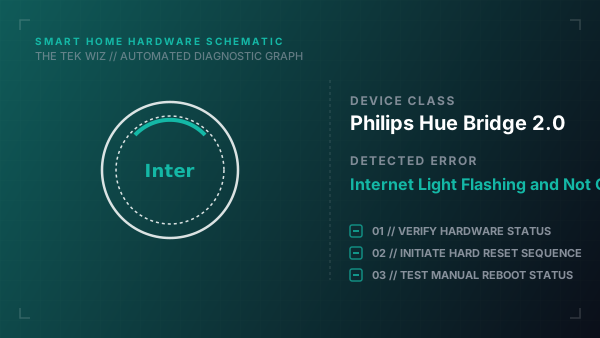
Step-by-Step Resolution
- 1
Unplug the power adapter from the back of the Hue Bridge and wait 30 seconds before plugging it back in.
- 2
Unplug both ends of the Ethernet cable connecting the Bridge to your router, inspect the RJ45 connectors for dust, and reconnect them firmly until they click.
- 3
Disconnect the Ethernet cable from the current router port and plug it into a different yellow LAN port on your router.
- 4
Unplug the power cable from your router or modem, wait 30 seconds, plug it back in, and wait for the router to fully boot before checking the Bridge lights.
- 5
Use a paperclip to press and hold the physical reset button on the back of the Hue Bridge for 10 seconds until the front LED indicators start flashing.
Alternative Causes & Edge Cases
- Philips Hue Bridge 1.0 (the older circular model, which has reached end-of-life and can no longer establish cloud connections)
- Philips Hue Play HDMI Sync Box (features a different status LED pattern where a solid red light indicates a physical power supply fault rather than a network error)