How to Fix Ring Video Doorbell Solid Blue Light
Quick Diagnosis
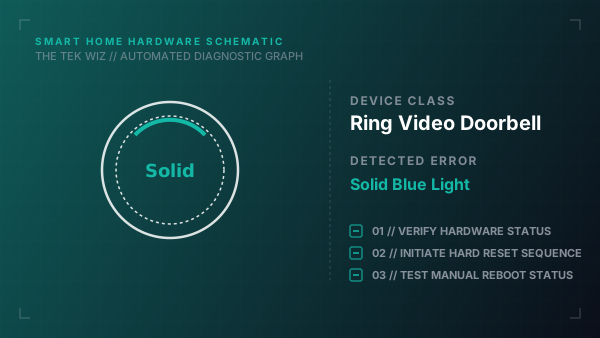
A solid blue ring light on a Ring Video Doorbell indicates that the internal button contact is physically stuck in the depressed position, or the device is undergoing an unaligned battery latching sequence.
Step-by-Step Resolution
- 1
Remove the security screw from the bottom of the Ring doorbell cover using the original Ring star screwdriver.
- 2
Slide the faceplate upward and off the chassis body.
- 3
Verify if the main orange button has popped back out; press and release it repeatedly to dislodge any dirt or sticky build-up.
- 4
If using a battery-powered model, press the metal release tab and slide the battery pack out of the bottom cavity.
- 5
Clean the gold-plated battery contact terminals inside the slot using a dry cotton swab.
- 6
Slide the battery pack back in firmly until you hear a clear physical click indicating the latch has locked.
- 7
Reattach the faceplate, ensuring the top hooks align with the slots before pushing the bottom flush against the frame.
Alternative Causes & Edge Cases
- On Ring Doorbell Pro models, a solid blue light can indicate that the internal bypass power kit (installed at the chime box) has loose screw terminal connections.
- On Ring Video Doorbell 4, the LED ring can show a solid blue circle if the mounting bracket screws are tightened too hard, warping the plastic chassis and pinching the side button.