How to Fix SimpliSafe Base Station Pulsing Red Light
Quick Diagnosis
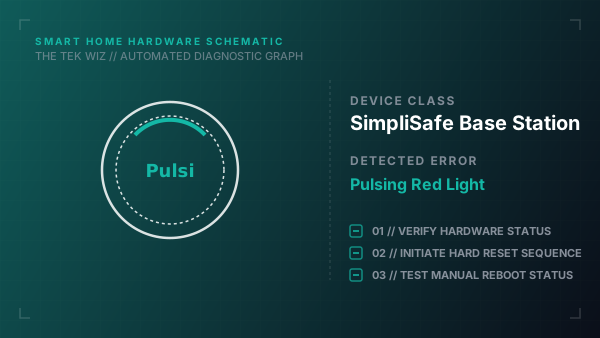
A pulsing red ring light on the SimpliSafe Base Station indicates a critical system warning, commonly triggered by a physical power failure (running on backup batteries) or a failure to establish a connection with the cellular network module.
Step-by-Step Resolution
- 1
Verify the AC power adapter cord is plugged firmly into the bottom port of the Base Station.
- 2
Verify the power plug is connected directly to a working wall outlet, not a switched outlet that is turned off.
- 3
If the red light continues to pulse, unplug the power cord from the bottom.
- 4
Unscrew the battery cover screw on the bottom of the base using a Phillips screwdriver.
- 5
Slide the cover off and remove one of the rechargeable NiMH AA backup batteries.
- 6
Wait 30 seconds to allow the internal motherboard logic to clear completely.
- 7
Insert the battery back in (ensuring correct polarities), close the cover, screw it shut, and plug the power cord back in.
Alternative Causes & Edge Cases
- On newer Gen 3 SimpliSafe Base Stations, a red light can pulse if the physical tamper switch on one of your window/door entry sensors has been tripped.
- If the light stays solid red, it signifies that the base station is currently triggered in active alarm mode and needs a PIN entry on the keypad to reset.