How to Fix Hisense U6G Stuck on Standby LED
Quick Diagnosis
A Hisense U6G TV stuck with a solid red standby LED that doesn't react to remote or physical buttons is experiencing a mainboard controller crash. The power board is supplying standby power, but the mainboard processor cannot execute the startup instructions.
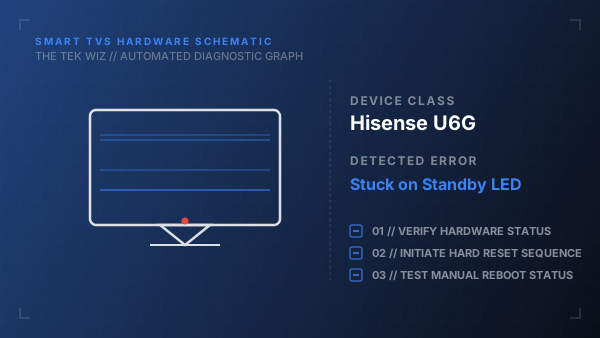
Step-by-Step Resolution
- 1
Unplug the TV's power plug from the wall outlet.
- 2
Unplug all HDMI cables, optical lines, and coaxial antennas from the back of the TV.
- 3
Press and hold the physical Power button (located on the bottom edge of the TV, beneath the indicator light) for 45 seconds.
- 4
Leave the TV completely disconnected from power for 10 minutes to bleed the EEPROM chip of residual state charge.
- 5
Plug the TV directly into a wall socket that has been tested and verified to have power.
- 6
Press the physical Power button on the TV chassis once.
- 7
If the red light turns off or blinks but the screen is blank, shine a flashlight at the screen to check for low-contrast images.
Alternative Causes & Edge Cases
- A corrupted bootloader on the flash memory chip can prevent the system from executing the wake command, necessitating a mainboard swap.
- Failing power regulators (LDOs) on the mainboard can fail to deliver the 3.3V or 1.2V core processor voltages required to boot.