How to Fix Insignia Fire TV Edition Blinking Red Light
Quick Diagnosis
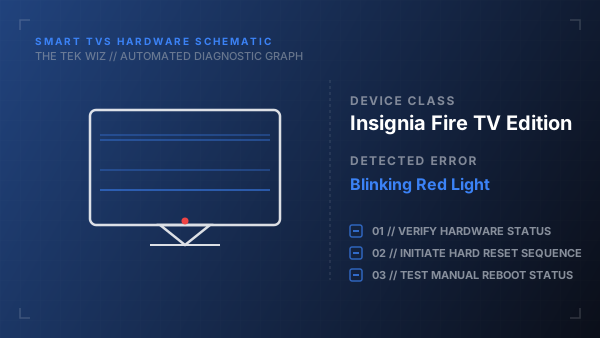
An Insignia Fire TV showing a blinking red light and refusing to boot is usually encountering a startup protocol failure or a power regulation block. This often occurs when the system gets stuck in a thermal loop or when dust locks the internal power switch.
Step-by-Step Resolution
- 1
Unplug the TV power cord from the electrical socket.
- 2
Disconnect any USB devices, ethernet cables, and HDMI connectors.
- 3
Locate the physical Power button on the bottom bezel of the TV frame.
- 4
Press and hold the physical Power button down for 30 seconds to drain stored electricity.
- 5
Leave the TV unplugged for 5 minutes to clear temporary system memory.
- 6
Blow compressed air into the power button mechanism and rear ventilation vents to clear any conductive dust.
- 7
Plug the TV power cord directly into a working wall outlet, avoiding extension leads.
- 8
Press the physical Power button on the TV frame to test the boot process.
Alternative Causes & Edge Cases
- If the blinking red light blinks in a specific pattern, it may indicate a thermal overload of the CPU on the mainboard, requiring heat sink cleaning.
- A failing power supply board capacitor will drop the 12V rail voltage, causing the standby light to blink without launching the screen.