How to Fix LG OLED C1 Series Red Light Blinks 3 Times
Quick Diagnosis
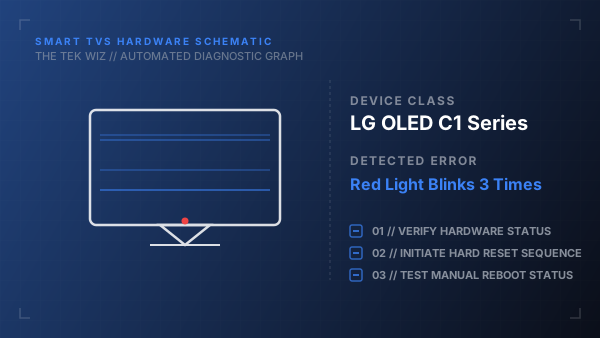
A three-blink sequence on the standby LED points to a mainboard communication error or a power supply safety shutdown triggered by unstable input voltages. The TV enters this protection mode to prevent internal component damage from power surges.
Step-by-Step Resolution
- 1
Unplug the main power cord from the wall outlet and disconnect all HDMI cables, soundbars, and external streaming devices.
- 2
Press and hold the physical power button on the bottom center of the TV bezel for 60 seconds to discharge residual power.
- 3
Keep the TV unplugged for a minimum of 30 minutes to allow the logic chips and capacitors on the mainboard to fully reset.
- 4
Inspect all HDMI ports on the TV chassis for bent pins or metallic debris that could cause a short circuit and trigger the safety shutdown.
- 5
Plug the TV power cord directly into a functional wall socket, omitting any extension cords, and attempt to turn it on.
Alternative Causes & Edge Cases
- Select LG Nanocell models exhibit this behavior when a degraded LED driver board draws excessive current.
- A faulty HDMI-CEC handshake from connected media players can force the TV into a loop that mimics this protection error.