How to Fix LG OLED TV Screen Flashes & Shuts Down
Quick Diagnosis
An LG OLED TV screen that flashes briefly and immediately turns off is experiencing a power card safety shutdown. This occurs when the power supply board detects an instantaneous current spike or a failure in the panel's automatic pixel refresh circuit.
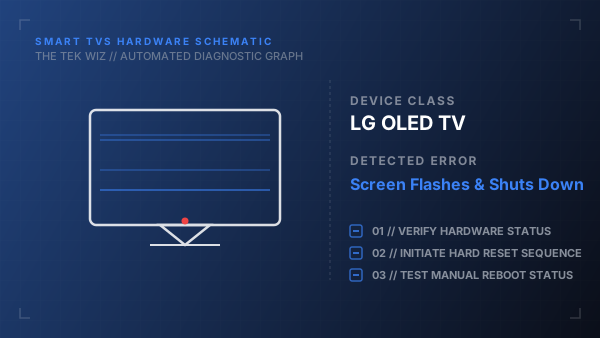
Step-by-Step Resolution
- 1
Disconnect the main power plug from the wall outlet.
- 2
Unplug all peripheral accessories (streaming boxes, gaming consoles, soundbars) from all HDMI and optical ports.
- 3
Locate the physical power button on the underside of the LG logo below the front bezel.
- 4
Press and hold this power button down firmly for 45 seconds to discharge the main board capacitors.
- 5
Keep the TV completely disconnected from power for at least 15 minutes to allow the panel logic to reset its state.
- 6
Check the power cord along its length for physical pinches, bends, or damage, and ensure it is firmly seated in the TV's power socket.
- 7
Connect the power plug directly to a wall outlet that is verified to be working (test with a lamp if necessary).
- 8
Power on the TV using the physical button on the panel frame.
Alternative Causes & Edge Cases
- Internal screen degradation or a short-circuited T-Con board can force the power supply module to enter protection mode.
- Blown electrolytic capacitors on the main power board may cause voltage drops under load, causing the screen to flash and trip the auto-shutdown logic.