How to Fix Samsung QLED TV Red Light Flashing Twice
Quick Diagnosis
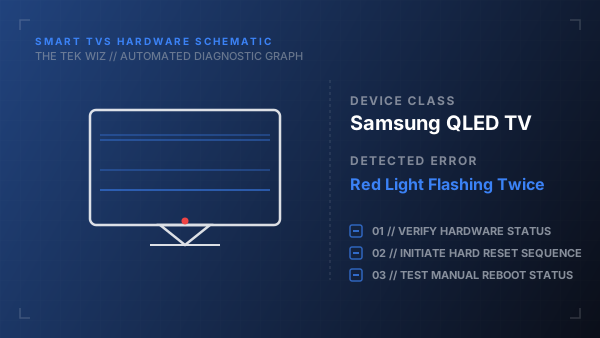
The standby light flashing twice repeatedly signifies a power supply protection fault or an unresponsive backlight strip. When the TV's mainboard detects abnormal voltage levels, it triggers a power-off loop to safeguard the hardware from frying.
Step-by-Step Resolution
- 1
Unplug the TV's main power cord from the wall outlet completely.
- 2
Disconnect all external devices connected to the TV, including HDMI cables, soundbars, streaming sticks, and antennas.
- 3
Press and hold the physical power button on the bottom center of the TV chassis for exactly 30 seconds to drain static energy.
- 4
Leave the TV unplugged for 10 minutes to allow the power board capacitors to discharge completely.
- 5
Plug the power cord directly into a wall outlet (avoiding surge protectors) and turn the TV on.
Alternative Causes & Edge Cases
- Applies to Samsung RU/TU series LED TVs which display identical power-cycling patterns.
- A faulty One Connect cable on select premium models will trigger this safety shutdown sequence.