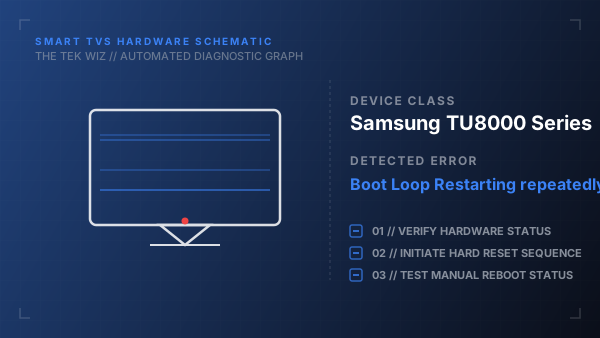
How to Fix Samsung TU8000 Series Boot Loop Restarting repeatedly
Quick Diagnosis
A continuous power-cycling loop is frequently caused by a hardware failure in the LCD panel gate drivers or a corrupted boot sector on the mainboard. The TV starts, encounters a circuit fault or failure to communicate, and restarts to protect its components.
Step-by-Step Resolution
- 1
Unplug the TV power cable from the wall outlet while the TV is actively attempting to boot.
- 2
Disconnect every external device connected to the TV, including HDMI cables, optical audio cables, and USB drives.
- 3
Hold down the physical power button on the TV chassis for 30 seconds to drain any residual current from the boards.
- 4
Remove all batteries from the remote control and hold the remote's power button for 15 seconds to discharge it and stop stuck signals.
- 5
Leave the TV unplugged for 15 minutes to clear temporary system memory, then plug it back in directly to the wall outlet.
Alternative Causes & Edge Cases
- Applies to Samsung AU8000 models where a short-circuit inside the display panel results in an identical boot loop.
- A damaged One Connect cable or box on premium Samsung frames can interrupt power flow and cause repeating boot cycles.