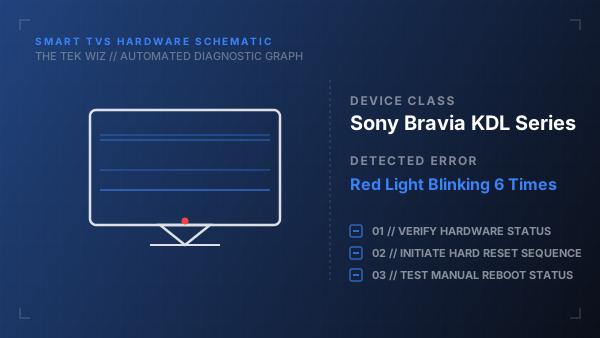
How to Fix Sony Bravia KDL Series Red Light Blinking 6 Times
Quick Diagnosis
A six-blink red light pattern indicates a failure in the TV's LED backlight array, the backlight driver board, or the power supply. The TV's protection circuit shuts the system down to prevent electrical or thermal damage when abnormal current is detected.
Step-by-Step Resolution
- 1
Unplug the TV's power cable directly from the wall outlet and disconnect all connected HDMI, coaxial, and USB cables.
- 2
Press and hold the physical power button on the back or side of the TV chassis for 60 seconds to completely drain the capacitors.
- 3
Use a vacuum cleaner brush attachment or canned air to clear dust from all rear ventilation grates to resolve potential thermal shutdowns.
- 4
Leave the TV disconnected from power for 10 minutes to allow the mainboard control logic and thermistors to cool down.
- 5
Plug the TV's power cord directly into a wall outlet, bypassing any surge protectors or extension cords, and power it on.
Alternative Causes & Edge Cases
- Applies to Sony XBR series models where a 6-blink error can also indicate a failing G-board (power supply module).
- Select Sony OLED models may display this blinking sequence if the ambient room temperature exceeds operational limits.