How to Fix Sony Bravia Red LED Blinks 4 Times
Quick Diagnosis
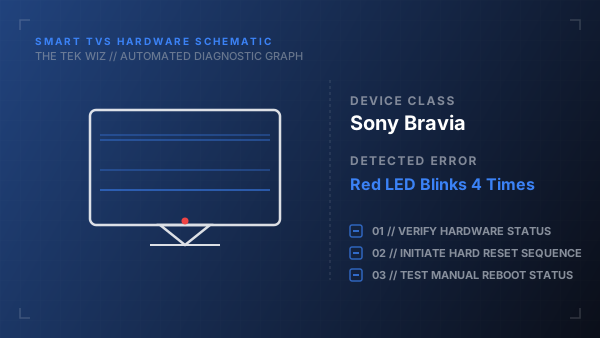
A Sony Bravia TV with a red standby LED blinking exactly four times indicates a backlight power failure or temperature limit warning. The TV's protection circuit shuts the system down to prevent thermal damage to the LEDs or panel wiring.
Step-by-Step Resolution
- 1
Unplug the TV's power cord from the wall outlet and disconnect all external cables (HDMI, USB, coax).
- 2
Use a dry microfiber cloth to clean all dust and lint from the ventilation slots on the rear and top edges of the TV chassis.
- 3
Relocate the TV if it is enclosed in an entertainment center or placed too close to a wall, ensuring at least 4 inches of open air clearance on all sides.
- 4
Press and hold the physical Power button on the TV frame (usually on the side or bottom) for 30 seconds to drain power capacitors.
- 5
Leave the TV completely unplugged for 10 minutes to allow the internal temperature sensors to reset.
- 6
Plug the power cord directly into a functional wall outlet, avoiding power strips.
- 7
Turn the TV on using the physical power button on the frame to test.
Alternative Causes & Edge Cases
- On older Bravia models, this error code can point to a faulty G-board (power supply board) or LD-board (backlight driver board) containing blown capacitors.
- A loose internal ribbon cable connecting the mainboard to the LED driver can also trigger the 4-blink security code.