How to Fix TCL 4-Series Roku TV Black Screen with Sound
Quick Diagnosis
This symptom indicates a total failure of the LED backlight strips or the backlight inverter circuit on the power board. While the liquid crystal display panel is still generating the picture, it remains invisible due to the lack of light source behind it.
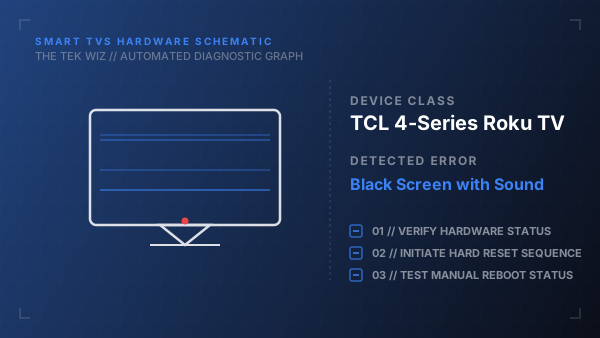
Step-by-Step Resolution
- 1
Unplug the TV power cable from the electrical outlet and unplug all external device connections like HDMI and coaxial cables.
- 2
Locate the physical power button underneath the bottom bezel or on the back of the TV chassis, then press and hold it for 30 seconds.
- 3
Perform the flashlight test by turning the TV back on, playing sound, and shining a bright flashlight or phone light at a close angle against the screen.
- 4
Look closely at the illuminated area to see if faint text, menu options, or shapes are visible, confirming the LCD screen works but backlights are dead.
- 5
Plug the power cable directly into a different wall outlet to rule out inadequate power delivery from a faulty outlet or surge protector.
Alternative Causes & Edge Cases
- Can occur on TCL 5-Series QLED models if a loose LVDS ribbon cable disconnects from the T-Con board.
- TCL Google TVs may experience an identical symptom if the internal main board fails to send the turn-on signal to the backlight driver.