How to Fix TCL 5-Series Standby LED Blinking
Quick Diagnosis
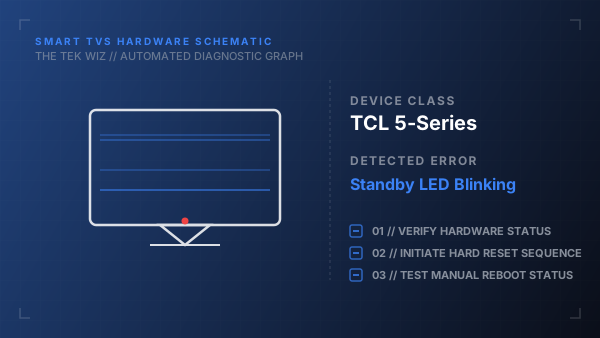
A TCL 5-Series TV with a blinking front standby light is stuck in a boot block or experiencing a low voltage input fault. This happens when the system's firmware hangs during the startup handshake or the power supply board cannot reach stable operating voltages.
Step-by-Step Resolution
- 1
Unplug the TV's power cord from the wall socket.
- 2
Disconnect the HDMI cable and all other inputs from the TV ports.
- 3
Locate the physical Reset button on the side connector panel (this is typically a recessed button inside a small pinhole labeled RESET).
- 4
Using a paperclip or toothpick, press and hold the Reset button down.
- 5
While holding the Reset button, plug the TV's power cord back into the wall outlet.
- 6
Continue holding the Reset button for another 15 seconds until the TCL logo appears on the screen, then release.
- 7
If the screen remains blank, unplug the TV again and press the physical power button on the bottom center of the TV frame for 30 seconds before reconnecting power.
Alternative Causes & Edge Cases
- On older TCL Roku TV models, a flashing status light can indicate a local network configuration error, which can be resolved by turning off the home router for 5 minutes.
- A failing eMMC storage chip on the mainboard can corrupt boot sector registers, requiring a complete mainboard replacement.